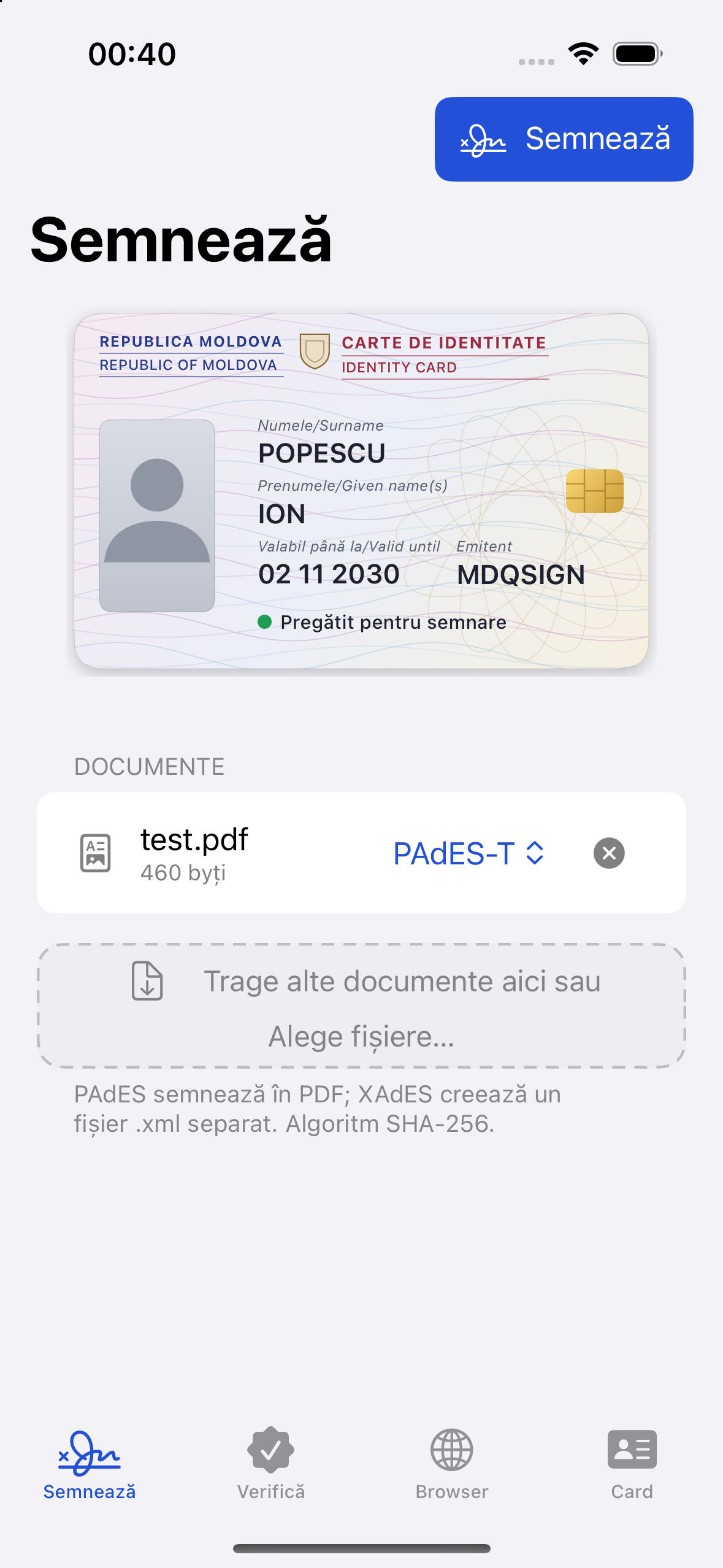
eSemnBun / Recommended devices
A small adapter. A complete connection.
Connect your USB-A smart-card reader with an adapter that matches your phone, tablet or computer. For eSemnBun on iPhone and iPad, use iOS / iPadOS 17 or later.
USB-C devices
Choose an adapter with a USB-C plug, USB-A socket and USB data support. Android devices also need USB host / OTG support.
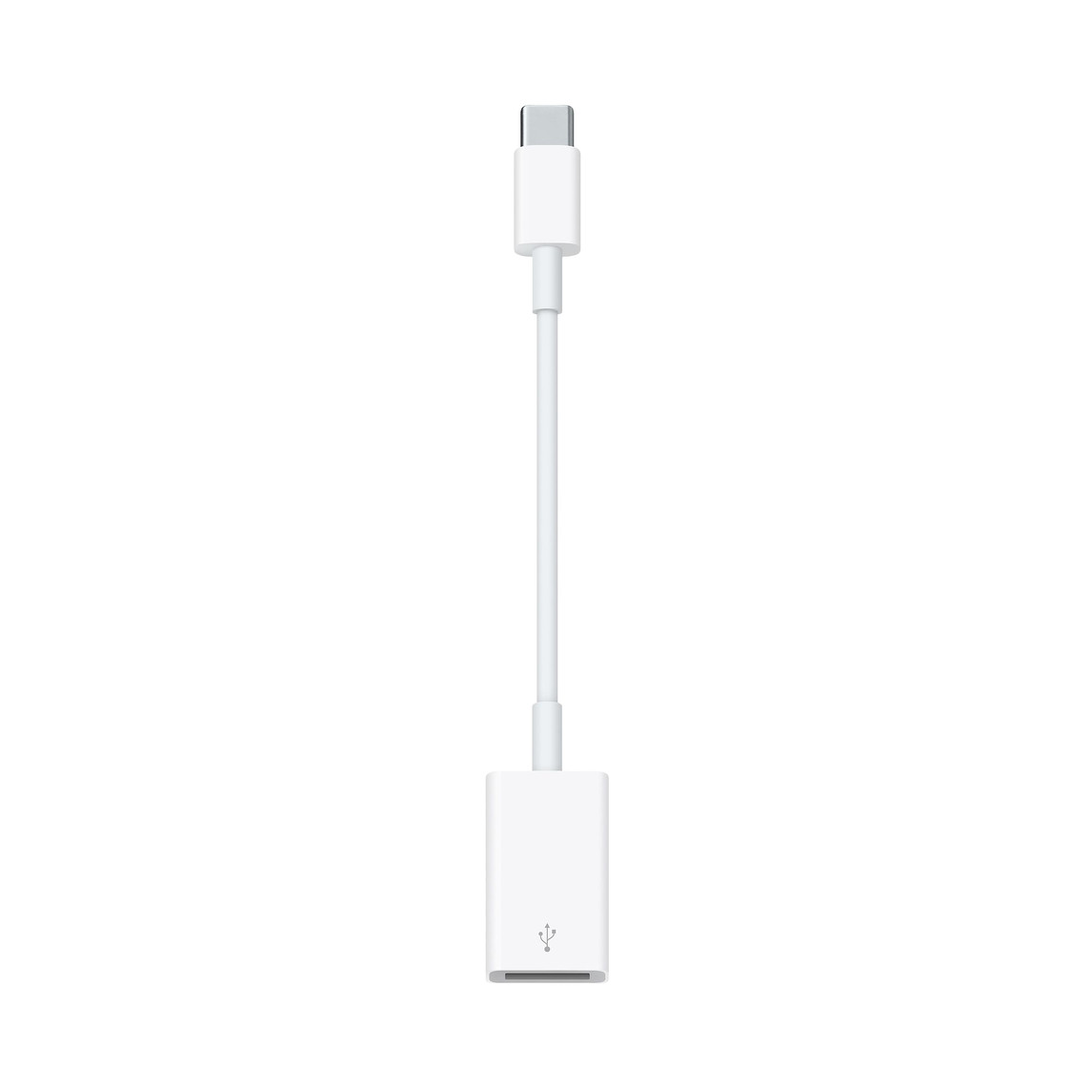
Apple USB-C to USB Adapter
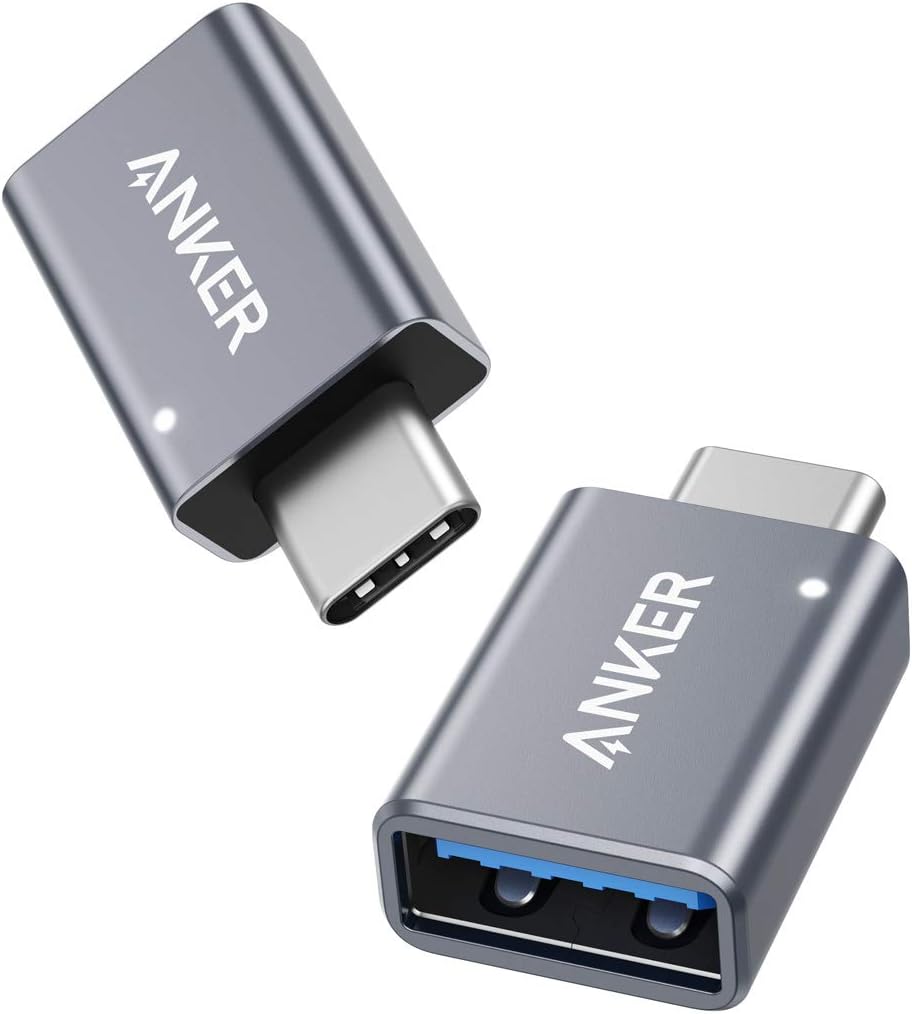
Anker USB-C to USB-A · 2-pack
More USB-C to USB-A options in Moldova: Baseus OTG at HopShop · Cablexpert OTG at Moll Market.
Romania: UGREEN USB-C to USB-A OTG at eMAG.
Lightning iPhone and iPad
The camera adapter provides the USB-A socket for the reader. Its extra Lightning port accepts power if the device reports that the accessory needs more power; a separate power adapter is not automatically required. See Apple’s USB accessory guidance.
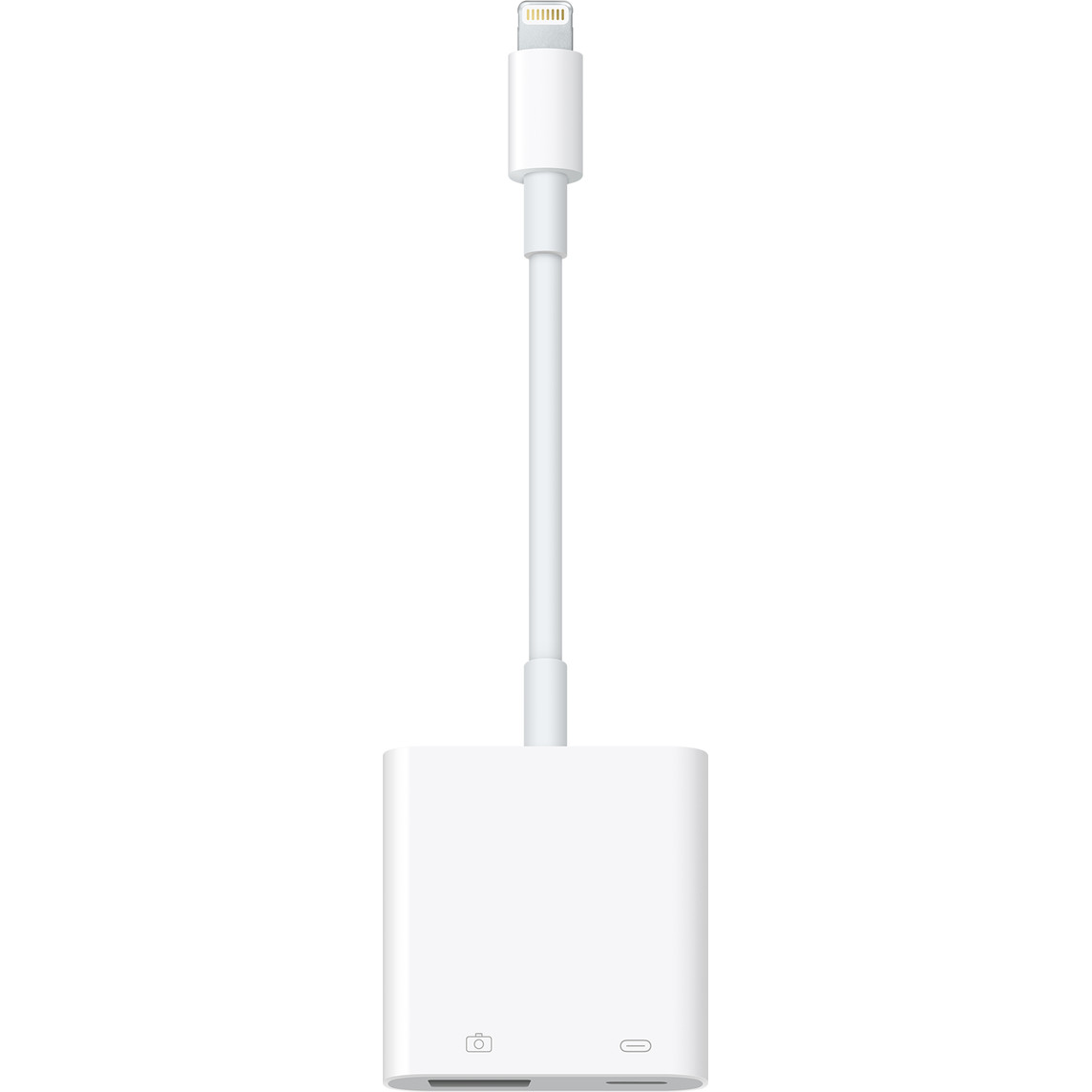
Apple Lightning to USB 3 Camera Adapter
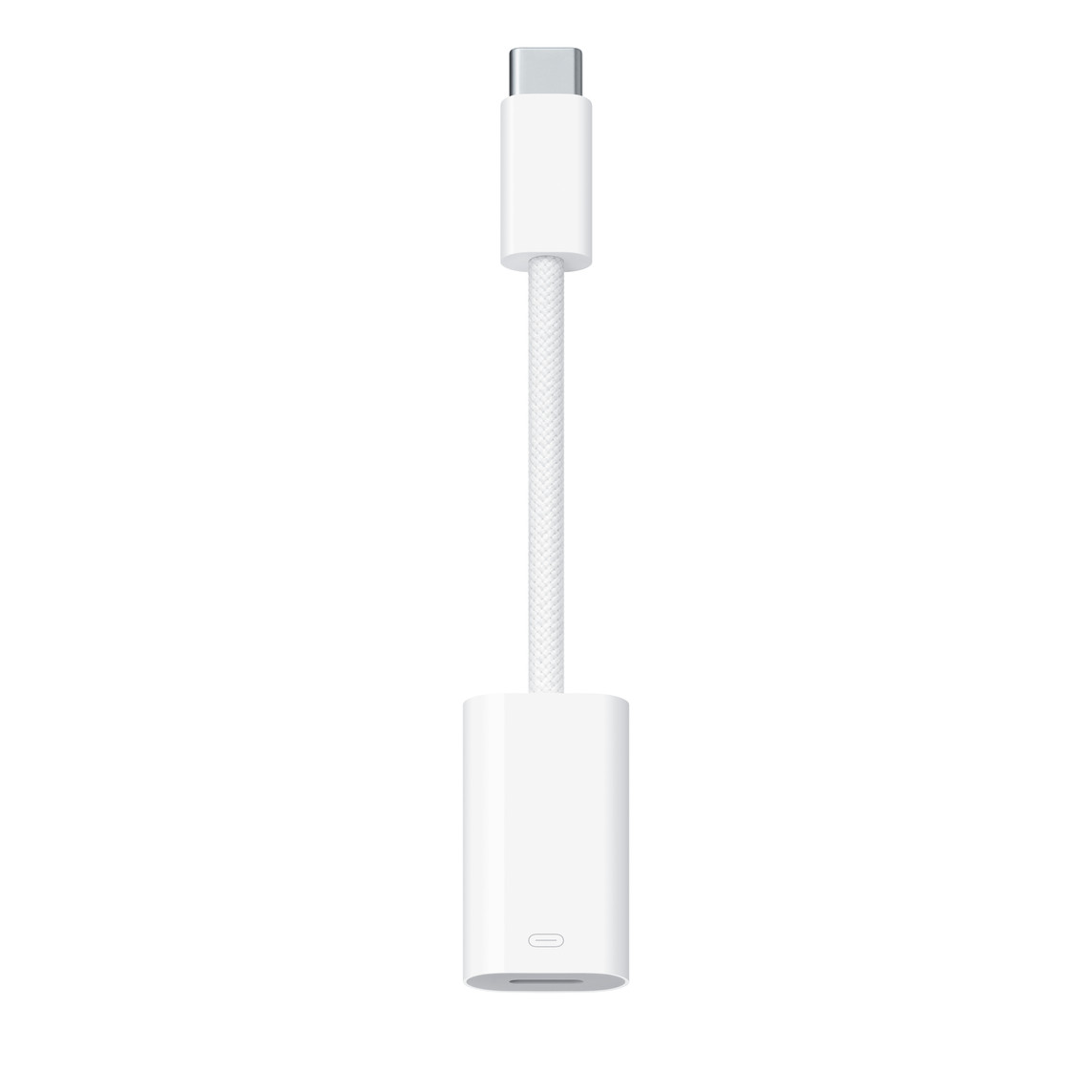
Check the connector
USB-C to Lightning adapter + USB-C to USB-A adapter
Check the connector direction before buying this combination. Apple’s USB-C to Lightning Adapter has a USB-C plug and a Lightning socket. It connects Lightning accessories to USB-C devices; it does not give a Lightning iPhone a USB-C socket. These two Apple adapters therefore cannot connect directly together.
A third-party adapter with a Lightning plug and USB-C socket would need explicit USB host/accessory support. Charging or cable-sync support alone does not establish card-reader compatibility. This two-adapter combination has not been verified here; choose the Lightning camera adapter above for a Lightning device. Apple explains its adapter’s direction and functions.
Your card. Your phone.
The card reader
The bit4id miniLector POCKET EVO is the reference reader used by this project. The shopping examples above are adapter choices based on their published connectors and USB functions, not a claim that every combination has been tested with eSemnBun. A computer with USB-A can connect the reader directly.